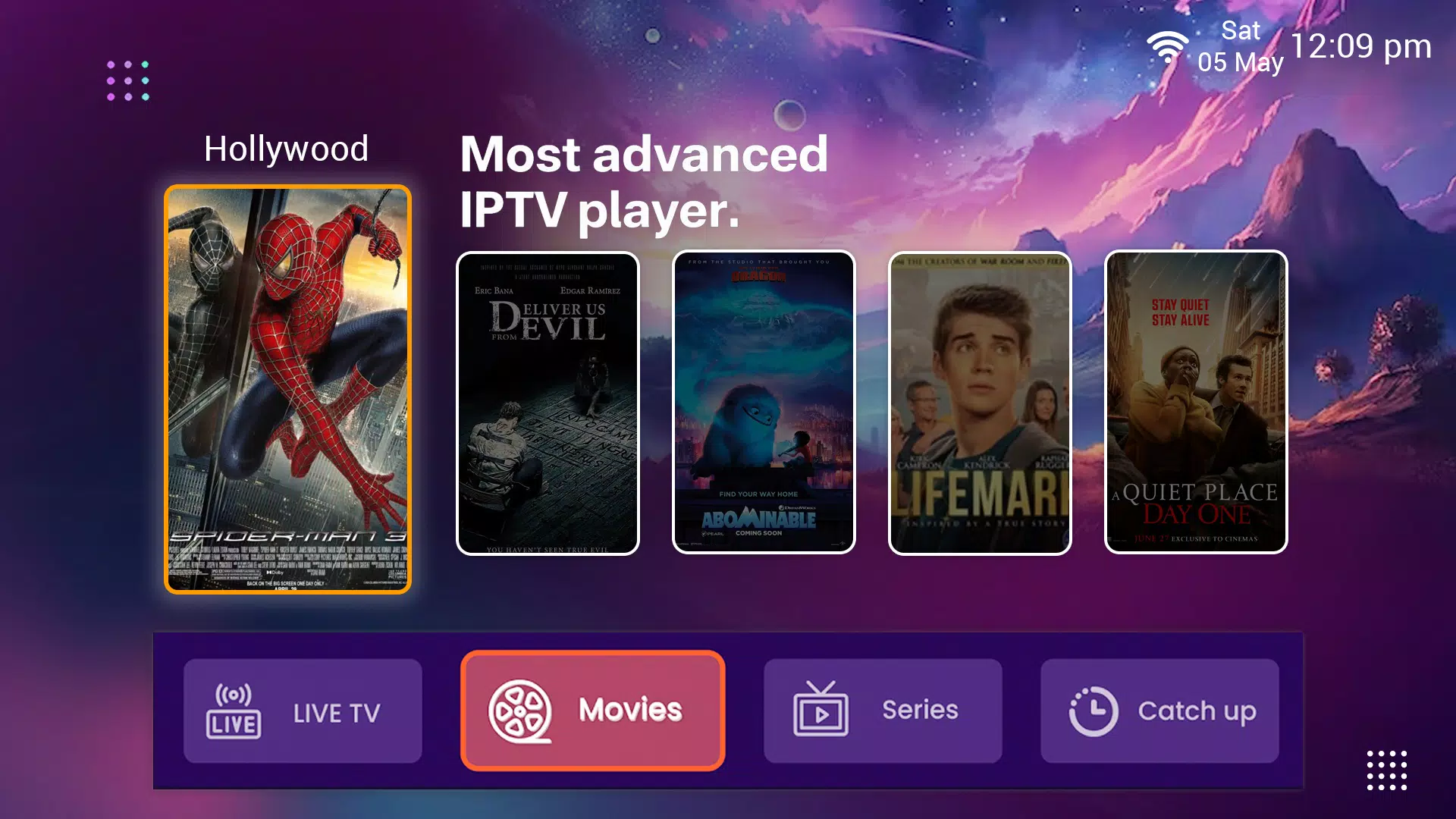
Choosing an IPTV subscription starts with a few ordinary questions: what do you want to watch, which screen will you use, and how long do you want the plan to last? Answer those first and comparing the offers becomes much easier.
Write down what you actually watch
Make a short list of your preferred programme categories and languages. You might want live sports and news, a film library for weekends, or series you can watch at your own pace. Ask about the current selection before buying. A large catalogue number is less useful than knowing whether it includes the categories you will open.
Check your screen and player app
Have the make and model of your television or streaming device ready. Different devices use different app stores and player software. Before ordering, confirm the player for that model and ask whether it has a separate purchase or activation cost.
Once you receive your access details, follow the matching section in our IPTV installation guide. IPTV USA Pro sends subscription and setup information through WhatsApp.
Compare the full subscription cost
Read the total price and the period it covers together. A three-month total and a monthly price are different things. Check the current pricing page for the available lengths, then ask any billing questions before placing your order.
A longer plan spreads the decision over more months. A shorter one covers less time. Choose the length that matches your plans rather than picking an offer just because its discount label looks large.
Understand the viewing setup
Your IPTV app uses the login details supplied with your subscription to open the channel list and on-demand library. Keep the username, password and server address exactly as supplied. If you are setting up more than one screen, ask how many simultaneous connections your chosen plan permits.
Picture quality depends on the content source, device and connection. Choose an available resolution your screen supports. Where practical, an Ethernet cable gives your television or streaming box a direct connection to the router.
Know how to get help
Keep your order confirmation and setup conversation together. When asking for installation help, include the device model, app name and the step you have reached. Those details are more useful than a message that only says the app is not working.
For IPTV USA Pro, use the WhatsApp contact page. Every subscription includes 60 days from purchase to request a full refund; the refund policy explains the process.
Check the provider’s content rights
Subscription features and distribution rights are separate questions. Our guide to IPTV and content rights in the USA explains what to ask before choosing a service.
A short checklist before you order
- Confirm your preferred languages and programme categories.
- Check the app for your exact device model.
- Read the total price and subscription length.
- Ask about simultaneous connections and any app charges.
- Review the terms and refund process.
- Keep your order and setup details together.